Apollo 11 and 17 Landing Sites

Image

What is the smallest detail of the lunar surface can I get with a 80mm telescope (600mm focal length) and Canon 10.1Mpixel camera?  Matching some of the smaller craters in a Moon atlas gives me roughly 6-8km/pixel.  But with image processing anything below 10km doesn’t really show or will blur in the noise.

I tagged a few geological features and dimensioned two craters for reference.  At the same time identified the approximate Apollo 11 and 17 landing sites.  The Apollo Lunar module is only 9.4m wide, hence it is impossible for any Earth bound telescope can possibly pick them up (even Hubble).  However the Lunar Reconnaissance Orbiter (LRO) did manage to pull it off by lowering its orbit as low as 50km above the lunar surface.

Apollo 11 and 17 landing sites and other features

Apollo 11 and 17 landing sites and other features. Moon (October 6th, 2016) – Benoit Guertin

My original photo of the Moon.

Moon – October 6th, 2016

Image

Quick picture of the Moon with the telescope balanced on a railing.  Didn’t trouble getting the mount out.

Moon - October 6th, 2016 - Benoît Guertin

Moon – October 6th, 2016 – Benoît Guertin

Layers and Blurring

Image

We spend lots of money on expensive optics and hours trying to get the focus spot-on or the mount alignment/guiding perfect for smooth tracking to avoid blurry and stretched stars.  So why would you want to blur your final image?

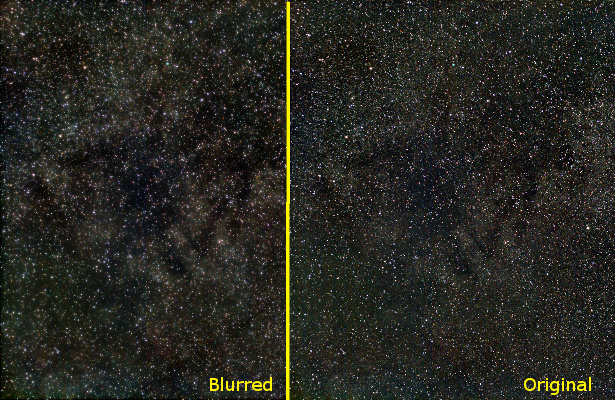
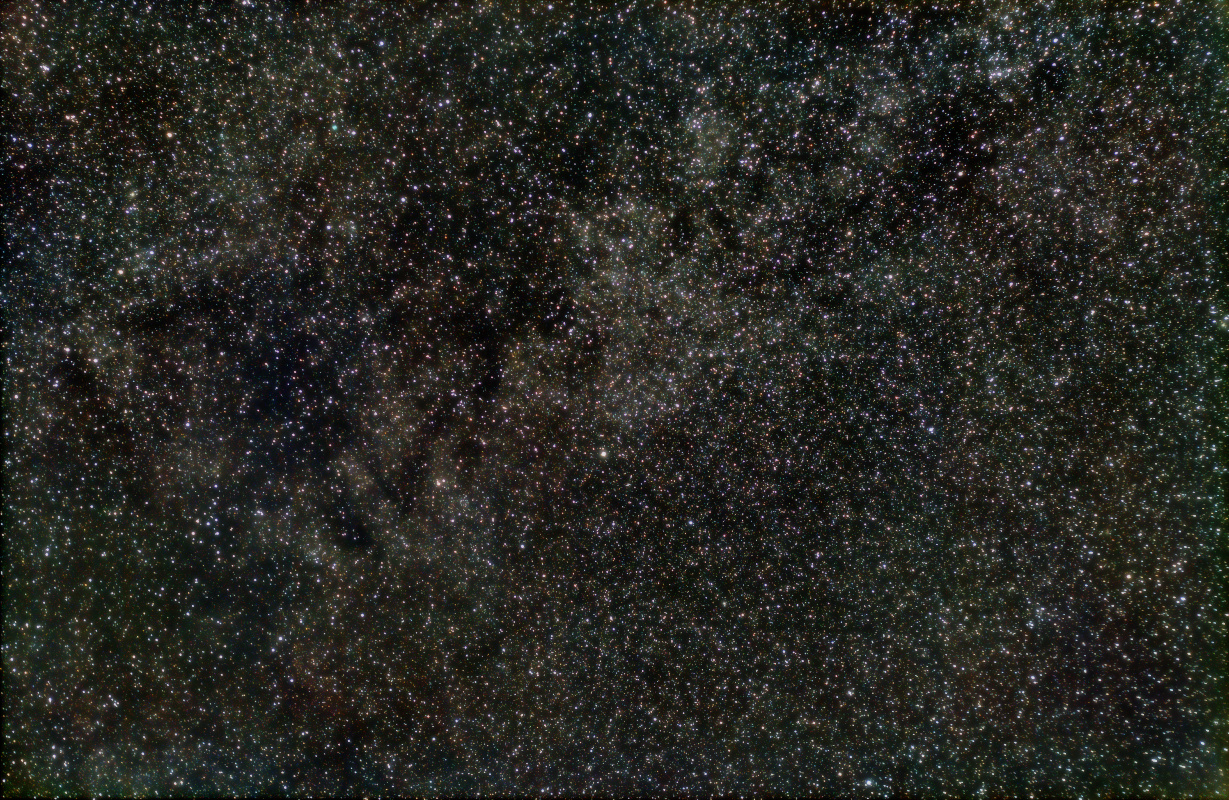
Consider the images below.  The one of the left is softer and more pleasing to the eyes, yet the stars remained sharp.

blurredlayers_compare

Side-by-side compare of blurred and the original image

One way to obtain this effect is by creating copies of the image, applying varying blur to each and then adding them from heaviest to the least blur using the Lighten only layer mode.

Take your original image and duplicate as required (in my example I blurred two layers, hence need a total of three identical layers).

blurredlayers_original

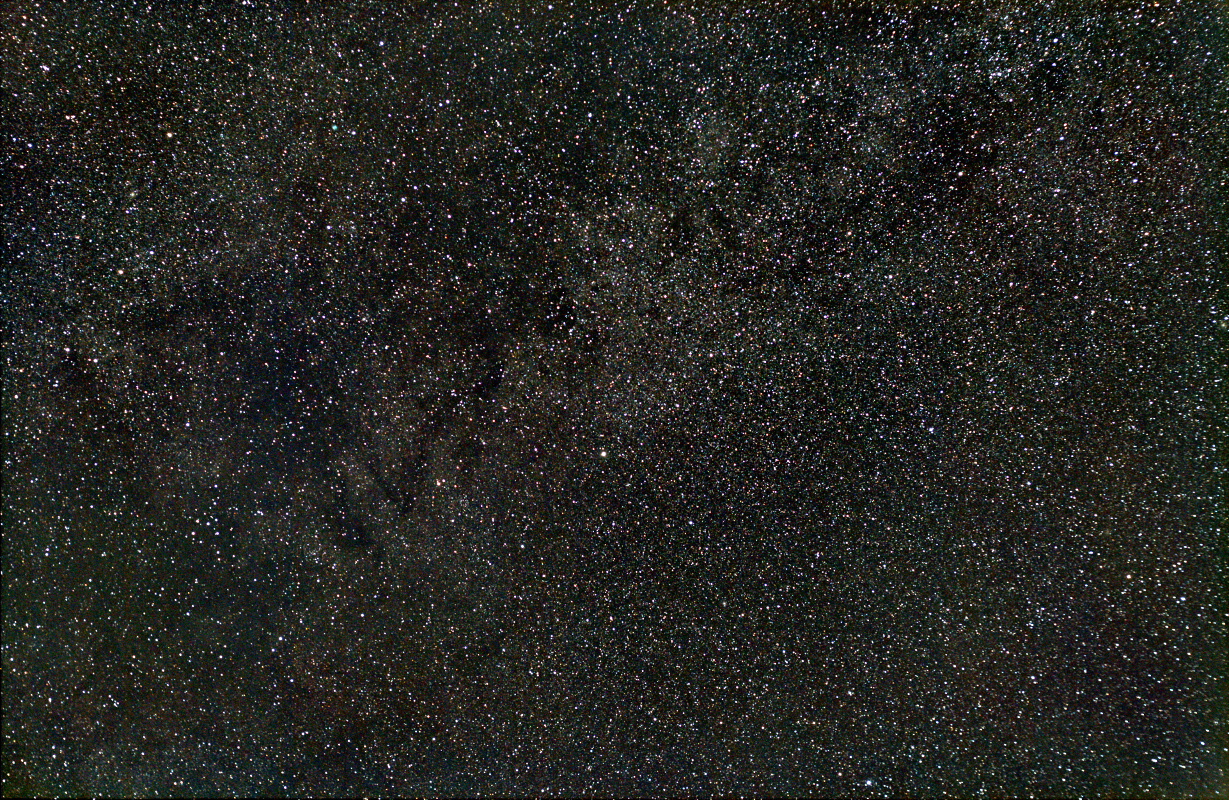
Original image (centered on Constellation Vulpecula)

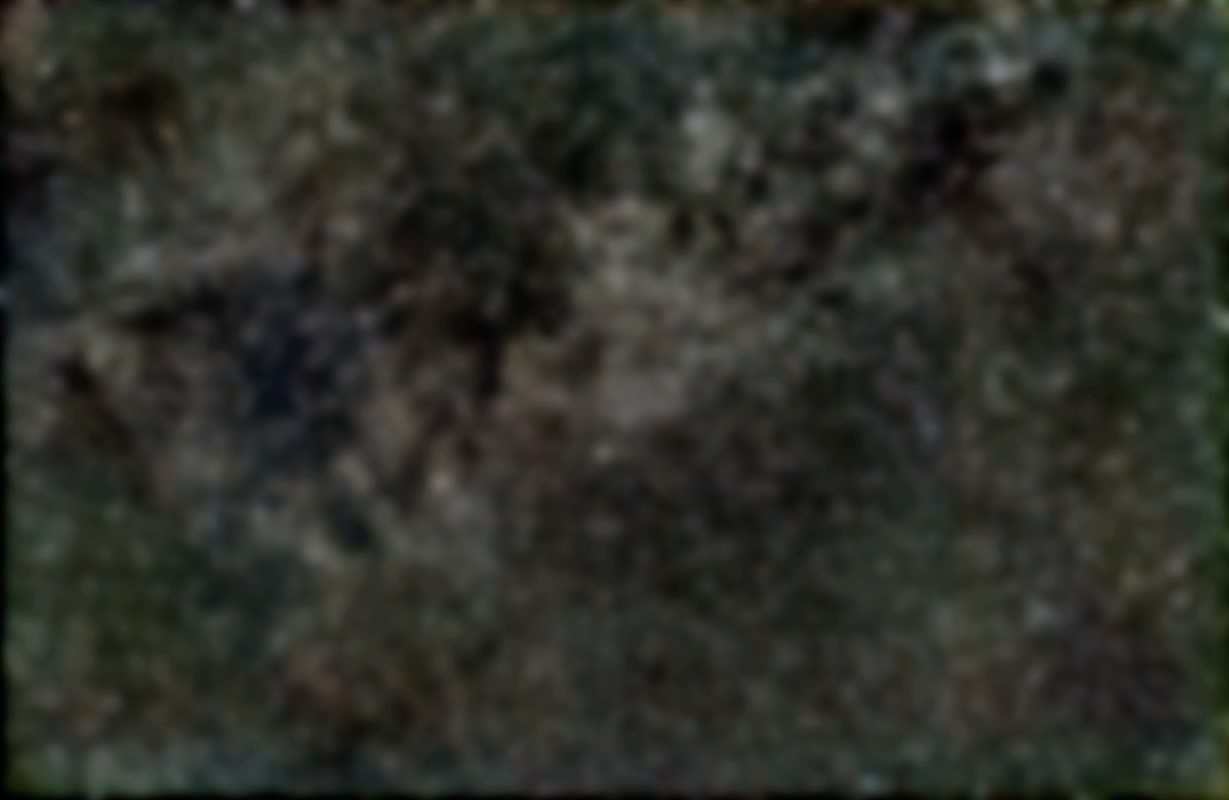
Apply heavy blur to the bottom layer.  At the same time, reduce the color saturation and adjust the levels to get nice blacks.  You want the blacks to be nice and dark such that the general shape of the cloud-like structures appear due to the bright and dark zones.  In this example, the blur was applied to a level of 80 pixels.

blurredlayers_bottom

Heavy blur to the bottom layer, and reduced color saturation

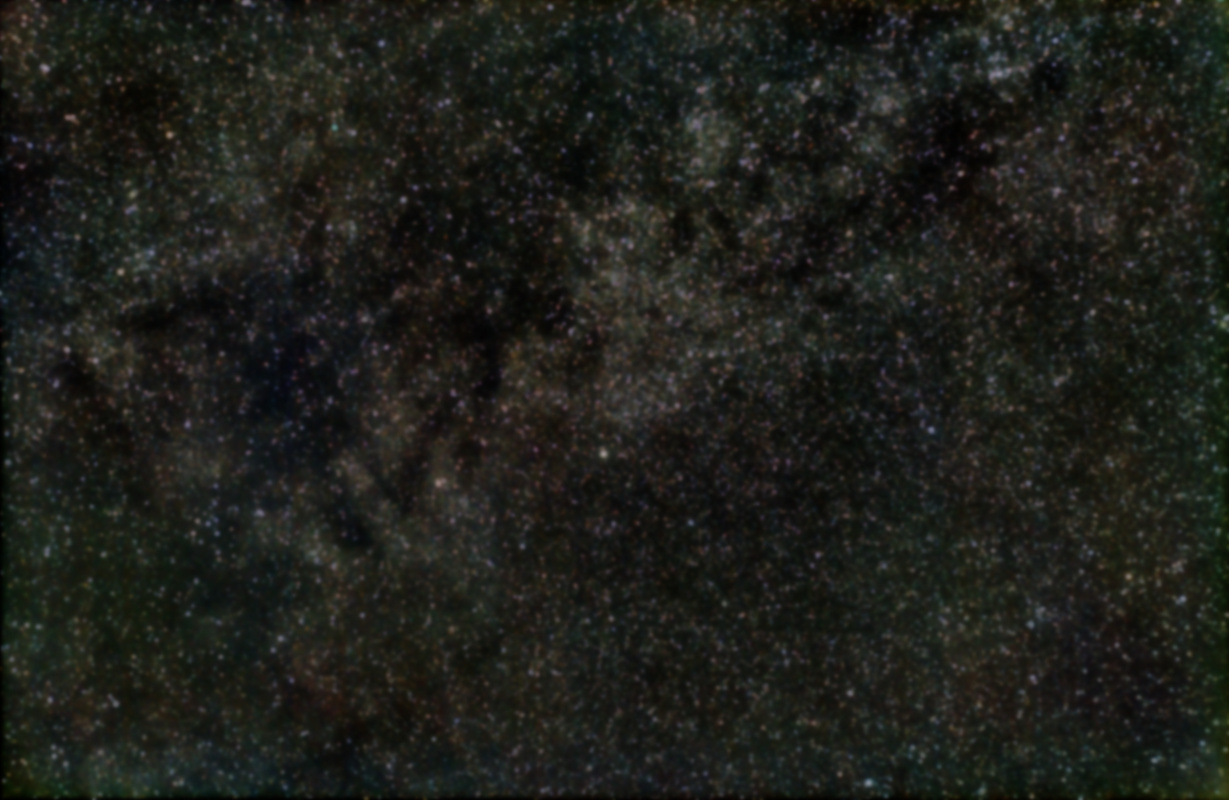
Repeat the same for the middle layer, but with less blur (level of 20 pixels).  If you want the colors of the stars to pop out, increase the color saturation.  It will create an effect of nebulosity around bright stars.  Once again, adjust the levels as required.

blurredlayers_mid

Medium blur to create nebulosity effect

Finally, the top layer don’t apply any blur, adjust the curves to reduce the faint portion of the image as you don’t need to keep this portion of the image.  You only want to keep the nice bright stars.  The dim structures are kept in the lower two blurred layers.

Adjust the % between the layers to get the desired effects  The pixel intensity from bottom (most blurred) to the top will be kept only if the result is brighter than the previous layer.  The sharp and bright stars are from the top layer, while the overall dim structures are from the blurred lower layers.
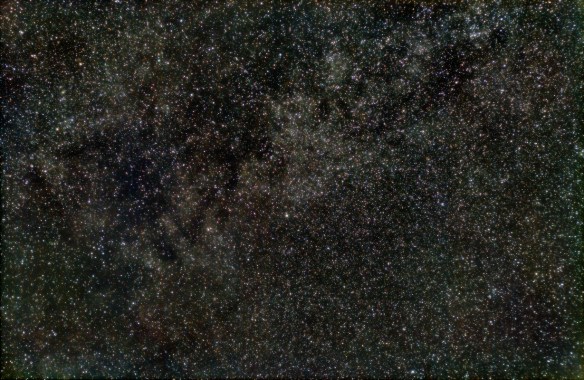
blurredlayers

Final result after blending the 3 layers

Turn the various layers on/off to see what is the contribution of each.  It’s a lot of trial and error depending what you accentuate versus what you want to fade into the background.  Play with the level of blur, the curves and the % layer blending until you get the effect you desire.

For more information on the original image, see my post on Vulpecula.
Wide Field Around Vulpecula

Image

Continuing my wide field photography of the Milky Way I centered on the constellation Vulpecula (little fox) located in the middle of the Summer Triangle.

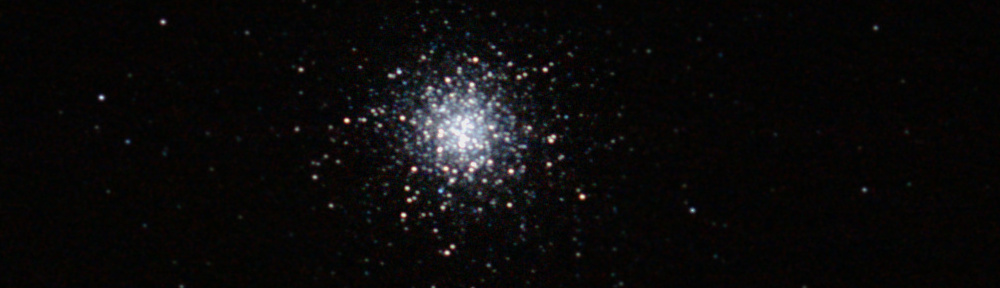
In the same frame, three Messier objects are identified:  globular cluster M56 and M71; planetary nebula M27.  Interesting fact is star HD189733 (second bright star above M27 in the framed portion) is the nearest extra-solar planet (63 light years) where the presence of water was detected.  But at 700degC, chances for life are pretty slim.

vulpecula_15sep2016_46x30sec_ident

Left to Right: Globular Cluster M71 in Sagitta; Planetary Nebular M27 in Vulpecula; Globular Cluster M56 in Cygnus

The three constellations from left to right are: Sagitta, Vulpecula and Cygnus (also know as Northern Cross).

As a footnote, this was captured with nearly a full moon in a heavily light polluted suburb.  At 30 seconds of exposure time, the luminosity peak was around 75%.

Canon XTi (450D)
50mm F3.2 (ISO 800)
46 x 30sec (23 minutes)

Dark Nebula – Barnard 142 and 143

Image

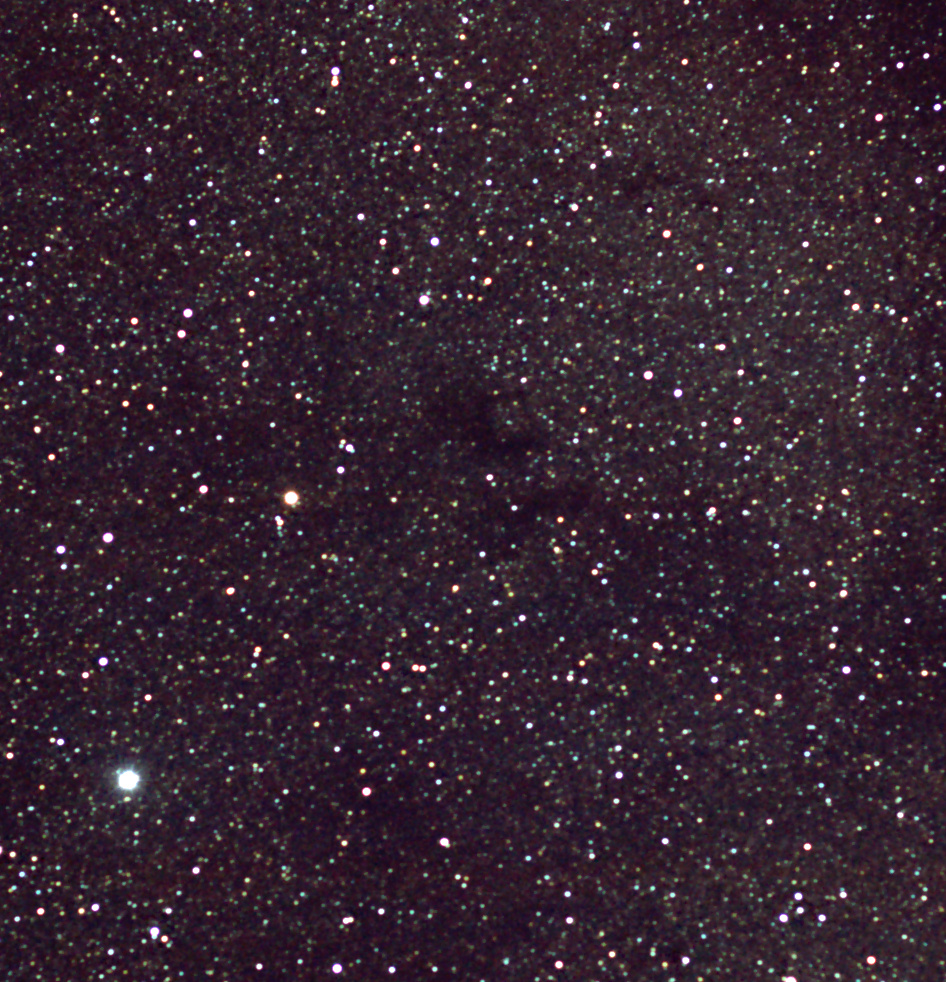
In my previous post I captured a hint dark nebula Barnard 142 and 143.  But as the lens drifted out of focus, I could only use a few frames (14 out of 60).  At the next clear sky I aimed Altair in the constellation Aquila with the goal to capture a good 60 frames in-focus to once again capture Barnard 142 and 143.

Dark Nebula Barnard 142 and 143 near Altair (Aquila)

Dark Nebula Barnard 142 and 143 near Altair (Aquila)

The entire image scaled 40% (the above is a crop) is available here.

Canon XTi
50mm F3.2 ISO800
59 x 30sec (29.5 minutes of integration)

Wide Angle on Constellation Sagitta (Messier 71 and Messier 27)

Image

The fall is a great time for wide-angle photography of the night sky.  The Milky Way passes overhead which provides a chance to capture some dark nebula.  Unfortunately after I had everything setup the 50mm Canon lens drifted out of focus; I only got about 2-3 frames with decent focus.  By frame 14 of 60, it was too out of focus to even register (align) with software.  When set to manual focus that lens is way too loose.

But I managed to capture a hint of my first dark nebula at the bottom half of the image.  Those immense molecular clouds that block out the background stars.  In the following millions of years, these clouds will collapse to create start nurseries and new solar systems.

Messier 71 (Globular Cluster) and Messier 27 (Planetary Nebula) near constellation Sagitta

Messier 71 (Globular Cluster) and Messier 27 (Planetary Nebula) near constellation Sagitta

Globular cluster Messier 71 and planetary nebula Messier 27 are identified in my image around the constellation Sagitta. I’m surprised at how “bright” and blue that nebula turned out.

Photo Details:
Canon XTi (ISO 800)
Canon 50mm F3.2
14 x 30 sec

2016 Harvest Moon

Image

A Full Moon near the autumn equinox?  Well that’s a Harvest Moon.  While the Moon over the horizon can look rather large, there’s some disagreement whether the 2016 Harvest Moon should also be a Super Moon.  I’ll let them sort it out while I snap a few pictures…

2016 Harvest Moon - Benoit Guertin

2016 Harvest Moon – Benoit Guertin

Photo details:
Combined a short and long exposure with Canon XTi
85mm F5.6 1/250sec (ISO200)
61mm F5.6 0.5sec (ISO400)

Nearly Full Moon – May 20th

Image

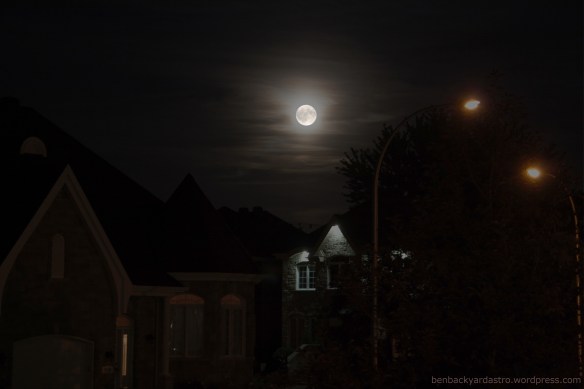
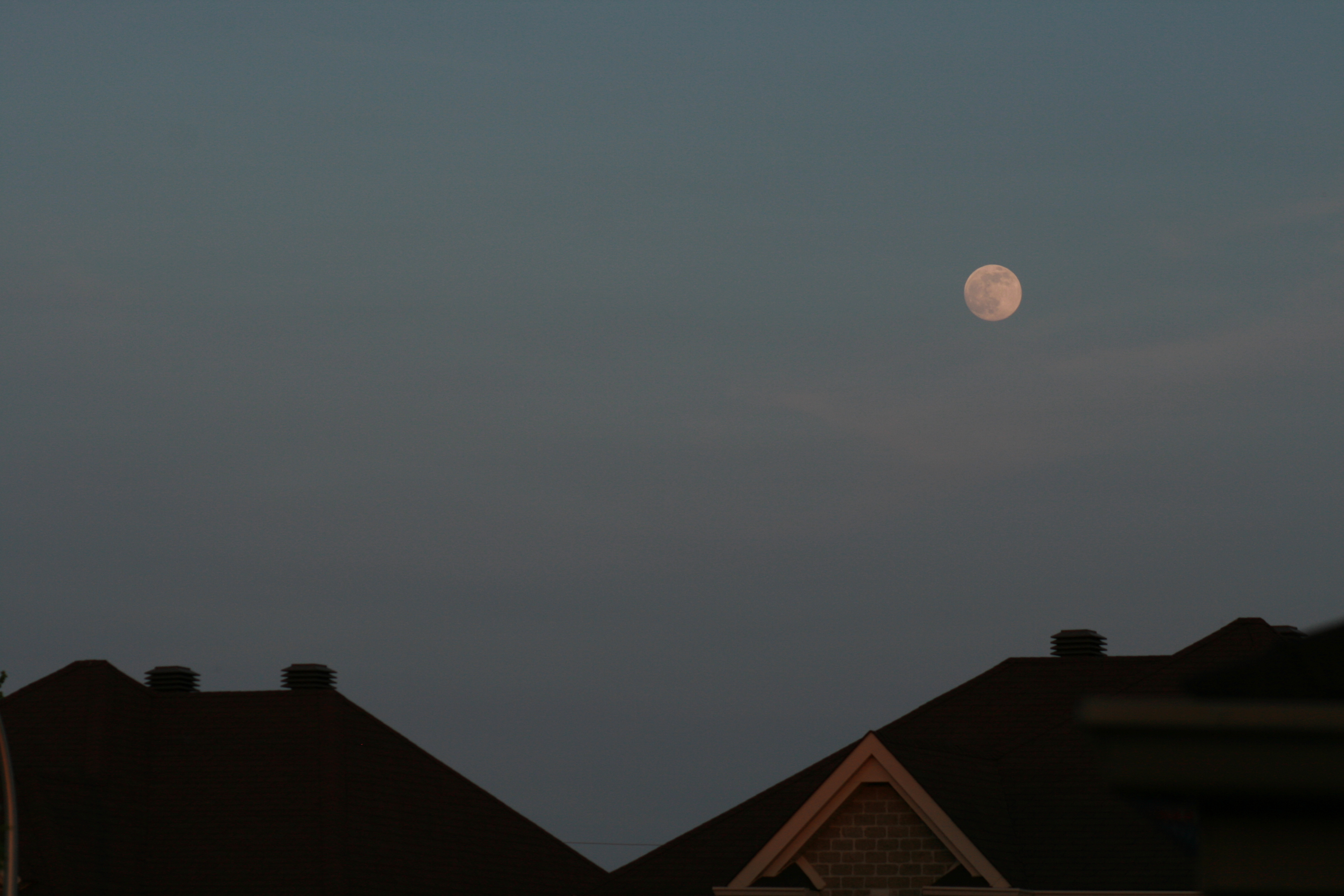
Stepped outside to have a beer on this warm spring evening while the kids played when over the rooftop I see this wonderful Moon in the still blue sky.  Just had to run inside, and grab my camera, telephoto lens and tripod to take a few frames.

Nearly full moon rising over rooftop  - May 20th, 2016

Nearly full moon rising over rooftop – May 20th, 2016

After fiddling with the settings, I realized the tripod was probably not required. This shot was taken at ISO 200 1/200 sec with the zoom lens at 110mm F7.1

The Full Moon is tomorrow : May 21st.

Leo Triplet

Image

Small telescopes aren’t ideal for galaxies, unless you aim to snap a picture of the Leo Triplet.  The area around Leo has many galaxies, but the three below (M65, M66 and NGC3628) are brightest and most recognized.

Leo Triplet - M66 Galaxy Group

Leo Triplet – M65 (right), M66 (below) and NGC3628 (upper left)

All three galaxies are of the spiral type, but look different because of their orientation.  NGC3628 is edge-on and the dark band in the middle are dust lanes that cut across it.  This trio is located 35 million light years away.

Skywatcher 80ED
Canon 400D (ISO 800)
32 x 30sec

Crab Nebula – Need Bigger Scope

Image

After my series of open star clusters, I decided to try my luck with the neighboring Crab Nebula (Messier 1).  A single 30s exposure show some signal, but barely above the background light pollution.

Very faint M1, just above light pollution levels

Very faint M1, just above light pollution levels

OK, lets see what the wonders of digital stacking and post-processing can do…

After stacking 28 frames, and various histogram and level stretching, I was able to get the nebula to stand out.  That’s quite an improvement from the single frame from above.

Crab Nebula - Messier 1 - Benoit Guertin

Crab Nebula – Messier 1 – Benoit Guertin

I couldn’t get any color out of it, but I believe the color images of the Crab Nebula that you often see are compositions from narrow band filters, and are “scientific colors”.

Conclusions, need to gather more light and image at a longer focal length.  Even if I increase my exposure time, as the object is small I won’t be able to get much detail out of it.  I could add a barlow to double the focal length, but would also need to further increase my exposure time.  If I try this again, I’d need a 2x barlow and at least 2 minutes exposition, and have everything autoguided.  Not there yet… Best reserved for larger and more powerful telescopes.

Skywatcher 80ED
Canon XTi (400D) ISO 800
28 x 30sec (stacked with IRIS and post-processed in GIMP)